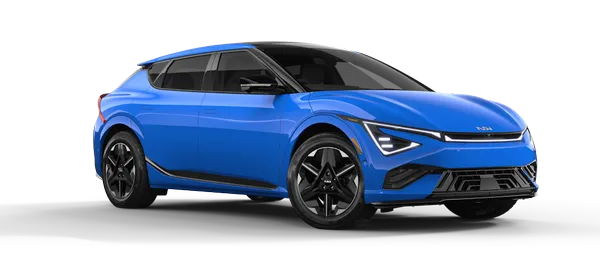
Kia K4: Controls and Features / Manual climate control system
Contents:
The manual climate control system in the Kia K4 is designed to efficiently heat or cool the cabin interior, ensuring a personalized comfort level for both the driver and all passengers.
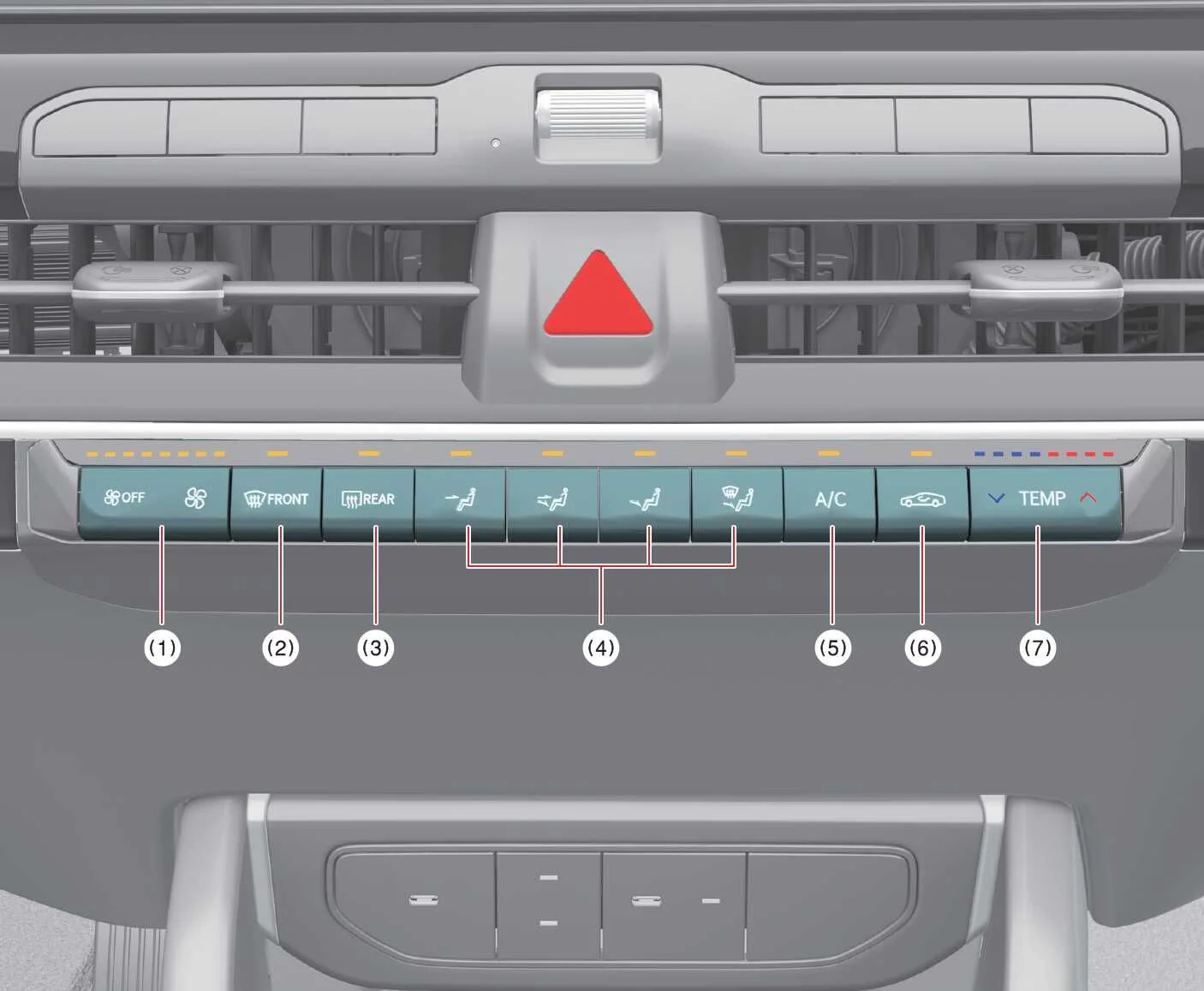
Fan speed control and system off button
Front windshield defroster button
Rear window defroster button
Airflow mode selection button
Air conditioning (A/C) compressor button
Air intake control button (Recirculation/Fresh)
Temperature adjustment button
NOTE
Operating the blower fan while the Kia K4 is in the ACC (Accessory) position may lead to significant 12V battery discharge. For optimal reliability and to prevent a dead battery, we recommend operating the blower fan only while the engine is actively running.
Heating and air conditioning (A/C) operation
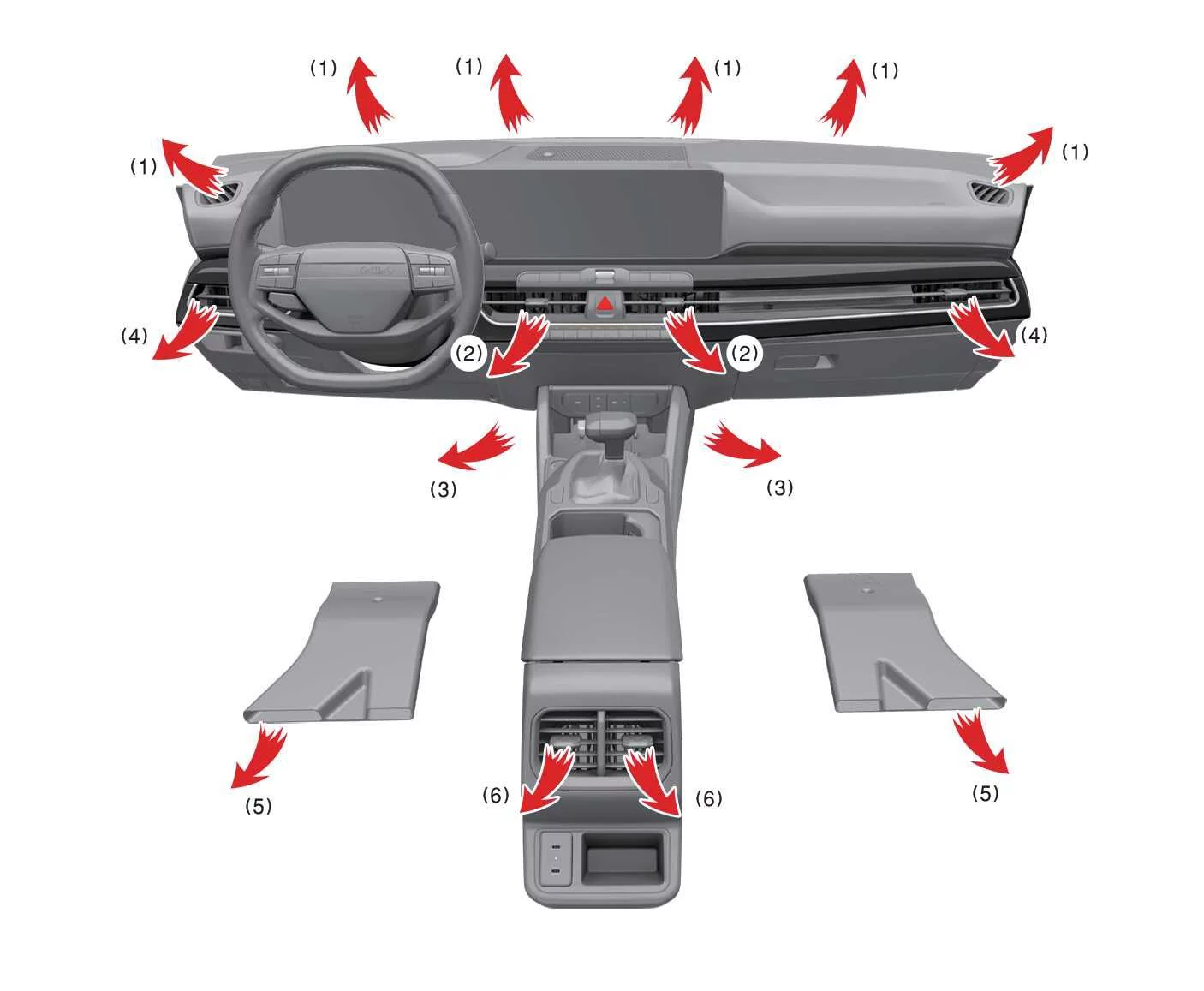
To manually configure the heating and A/C system in your Kia K4, follow these steps:
- Start the engine.
- Set the desired airflow mode:
Heating:

Cooling:

- Adjust the temperature control button to your preferred warmth or coolness.
- Set the air intake control to the external air position for fresh cabin air.
- Select your preferred fan speed intensity. Engage the A/C button if cooling or dehumidification is required.
Mode selection
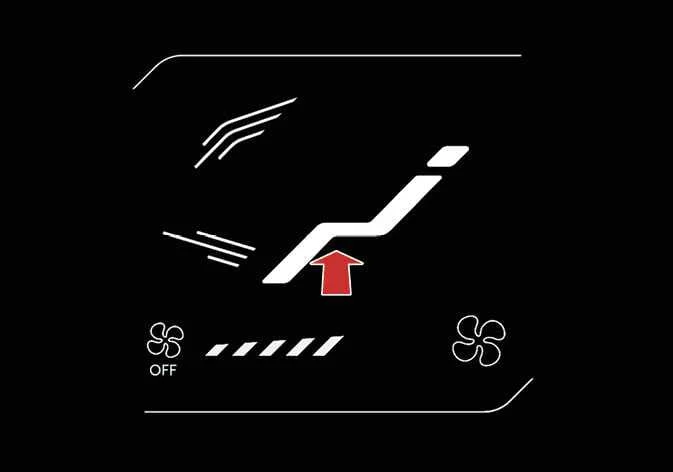
The mode selection button allows you to direct airflow precisely where it is needed most within the Kia K4 cabin.
|
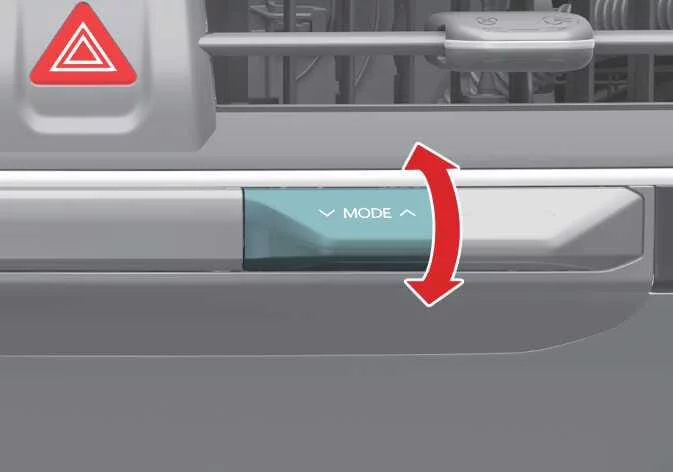 Face-Level
Airflow is directed toward the upper body and face. You can manually adjust the angle of each individual vent for custom comfort.
 Bi-Level
Airflow is distributed between the upper body vents and the footwell area.
 Floor-Level
Most airflow is directed to the floor, with a small percentage diverted to the windshield and side window defrosters to ensure clear visibility.
 Floor/Defrost-Level
Airflow is split between the footwell and the windshield, with a portion also directed to side window defrosters.
 Defrost-Level
Primary airflow is directed to the windshield and side window defrosters to quickly clear frost or fog.
Instrument panel vents

|
|
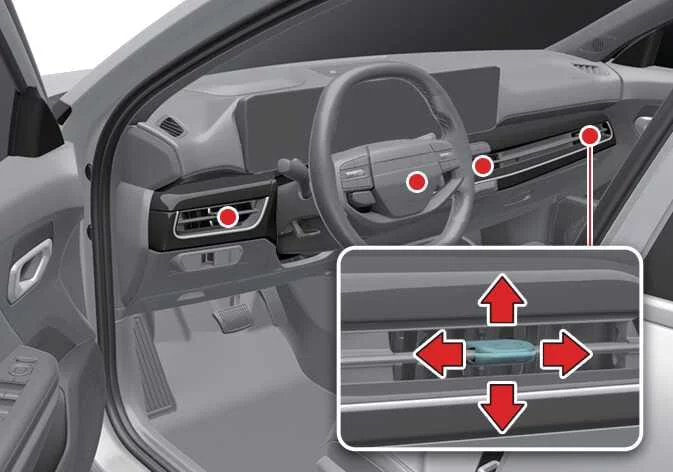
You can fine-tune the direction of airflow from any vent by utilizing the vent control lever as illustrated.
Temperature control
|
The Kia K4 temperature control button provides easy adjustment of the air temperature. Simply push the button toward the red zone for warmer air, or toward the blue zone for cooler, refreshing air.
Controlling air intake

|
To switch between air intake modes, press the designated control button.
Recirculated air intake
In this mode, air already inside the Kia K4 cabin is drawn through the climate system. This is highly effective for cooling the interior rapidly or blocking external fumes and dust.
External air intake
This mode draws fresh air from outside the Kia K4, which is then heated or cooled to your desired temperature, maintaining better air quality during extended drives.
Controlling fan speed
|
|
-
Utilize the dedicated fan speed control lever to set the airflow intensity to your preferred level inside your Kia K4.
-
To adjust the fan speed, push the temperature control lever to the right to incrementally increase the airflow, or push it to the left to decrease the fan speed until you reach the desired comfort setting.
-
To turn the fan speed control entirely OFF, press down on the left side of the fan speed control button repeatedly, or maintain pressure on it until the system shuts down.
Air conditioning (A/C)
|
|
-
To activate the air conditioning system in your Kia K4, press the A/C button. The indicator light will illuminate, confirming that the compressor is engaged.
-
To turn the Kia K4 A/C system OFF, simply press the button again, and the indicator light will turn off.