
Kia EV6: Navigation-based Smart Cruise Control (NSCC) / Navigation-based Smart Cruise Control settings
Kia EV6 2022-2026 Owner's Manual / Driver assistance system / Navigation-based Smart Cruise Control (NSCC) / Navigation-based Smart Cruise Control settings
Contents:
Auto Highway Speed Change
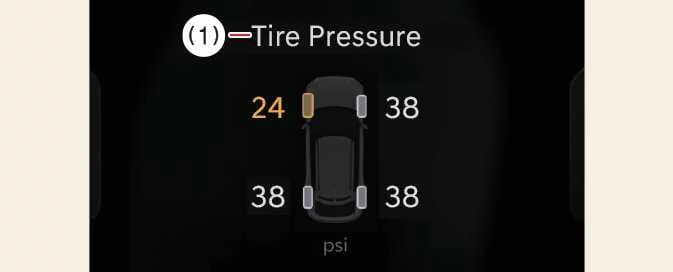
|
|
With the Kia EV6 turned on, select Setup > Vehicle > Driver Assistance > Auto Highway Speed Change through the infotainment system menu.
This feature allows the Kia EV6 Navigation-based Smart Cruise Control system to automatically adjust vehicle speed according to highway speed limit changes and supported navigation data while driving on controlled-access roads.
NOTE
If there is a malfunction or temporary issue with Navigation-based Smart Cruise Control, the function may not be available in the Settings menu and certain options may be disabled until the system returns to normal operation.


Other information:
Kia EV6 2022-2026 Owner's Manual: Linking and unlinking profile
How to link user profile Open the infotainment settings menu and select Setup > User profile > Profile setting > Link Digital Key (Smartphone) to begin the Kia EV6 profile linking process. After selecting Link, the digital key associated with the registered smartphone number and its [Group] will connect to the chosen user profile.Selecting the EV menu from the Kia EV6 infotainment home screen allows access to various electric vehicle management features, charging settings, energy monitoring functions, and battery-related information. TIP The Kia EV6 infotainment interface may change after software or navigation updates.
Contents
Categories
- Manuals Home
- Kia EV6 Owners Manual
- Questions & Answers
- Video Guides
- Useful Resources
- New on site
- Most important about Kia EV6
- Privacy Policy

Copyright В© 2026 Kia EV6 Manuals вЏ± 0.0085