
Kia EV6: Blind-spot View Monitor (BVM): (if equipped) / Blind-Spot View Monitor settings
Kia EV6 2022-2026 Owner's Manual / Driver assistance system / Blind-spot View Monitor (BVM): (if equipped) / Blind-Spot View Monitor settings
Contents:
Blind-Spot View
|
|
While the Kia EV6 is in DRIVE READY mode, tap Setup > Vehicle > Driver Assistance > Driving Safety > Blind-Spot View Monitor on the infotainment system screen to configure Blind-Spot View Monitor settings.
The Kia EV6 Blind-Spot View Monitor system can help improve lane-change visibility by displaying blind spot camera images directly within the instrument cluster.


Other information:
Kia EV6 2022-2026 Owner's Manual: Tire Pressure Monitoring System (TPMS)
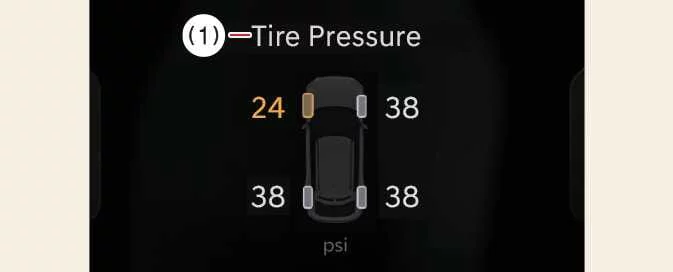
The Tire Pressure Monitoring System (TPMS) continuously monitors the air pressure of the Kia EV6 tires and displays relevant information on the instrument cluster LCD display to help improve safety, tire life, and vehicle efficiency. Low tire pressure warning indicator / TPMS malfunction indicator Low tire pressure position indicator displayed on the Kia EV6 LCD instrument cluster Tire Pressure Indicator You can view current tire pressure information through the Assistance Mode screen on the Kia EV6 instrument cluster.Kia EV6 2022-2026 Owner's Manual: Dedicated Remover Storage Position
TMK case Dedicated removal tool How to Replace the Hub Cap Using the Dedicated Removal Tool When reinstalling the hub cap on the Kia EV6, ensure that it is positioned in the designated mounting location.
Contents
Categories
- Manuals Home
- Kia EV6 Owners Manual
- Questions & Answers
- Video Guides
- Useful Resources
- New on site
- Most important about Kia EV6
- Privacy Policy

Copyright В© 2026 Kia EV6 Manuals вЏ± 0.0035